
Recarve — Spaced Repetition Review Reminder App
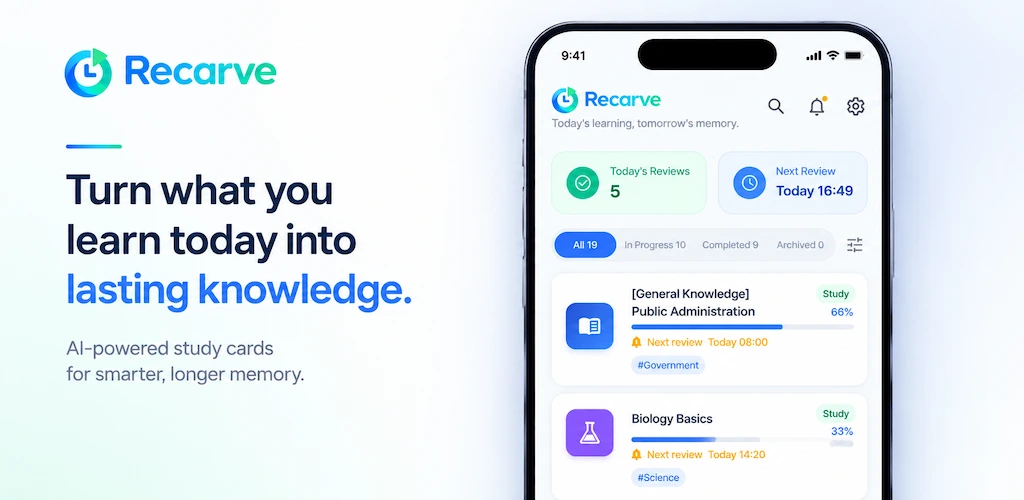
Turn what you learn today into lasting knowledge. Just add a card, and Recarve tells you when to review it.


Read the user guideFAQ & support
Key features
- Spaced repetition remindersReview intervals grow step by step, based on the Ebbinghaus forgetting curve.
- AI summaries & review questionsGet a concise summary and Q&A from a photo, PDF, or text in one go.
- 4 review templatesPick the interval that fits what you study, from vocabulary to formulas.
- Quiet HoursReminders that fall in your quiet hours are automatically pushed to right after.
- Stats, levels & badgesEarn Rep with every review and unlock badges for study streaks.
- Stored on your deviceStudy cards stay on your device, and you can export and import them as JSON.
How it works
- Create a card — Upload a photo or PDF, or type text. AI creates a summary and review questions.
- Choose a review schedule — Pick the template that fits your material and save. Your first reminder is scheduled right away.
- Respond to reminders — When a reminder arrives, try to recall the content, then tap "Reviewed" or "It was hard." Your response schedules the next stage.
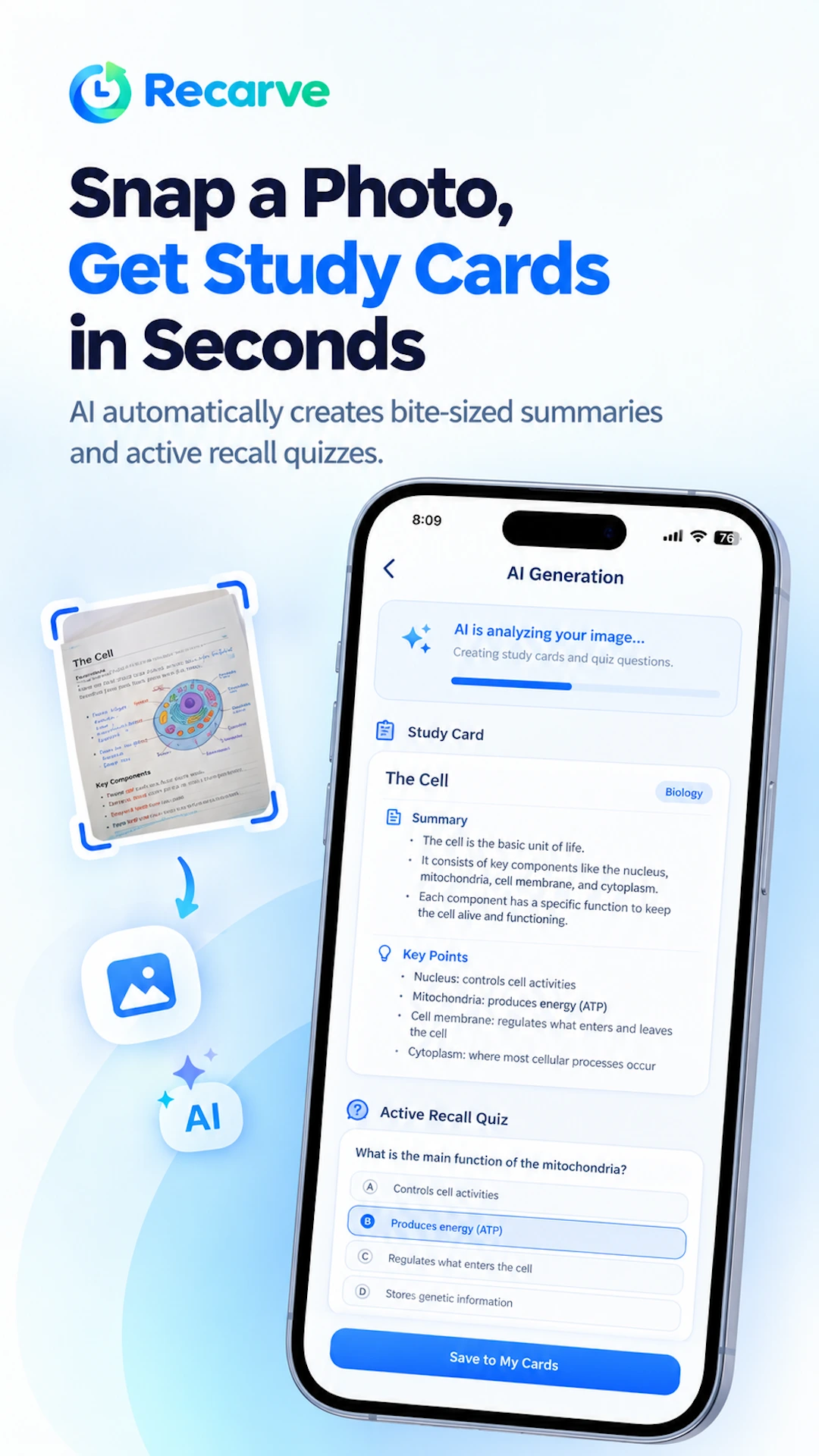
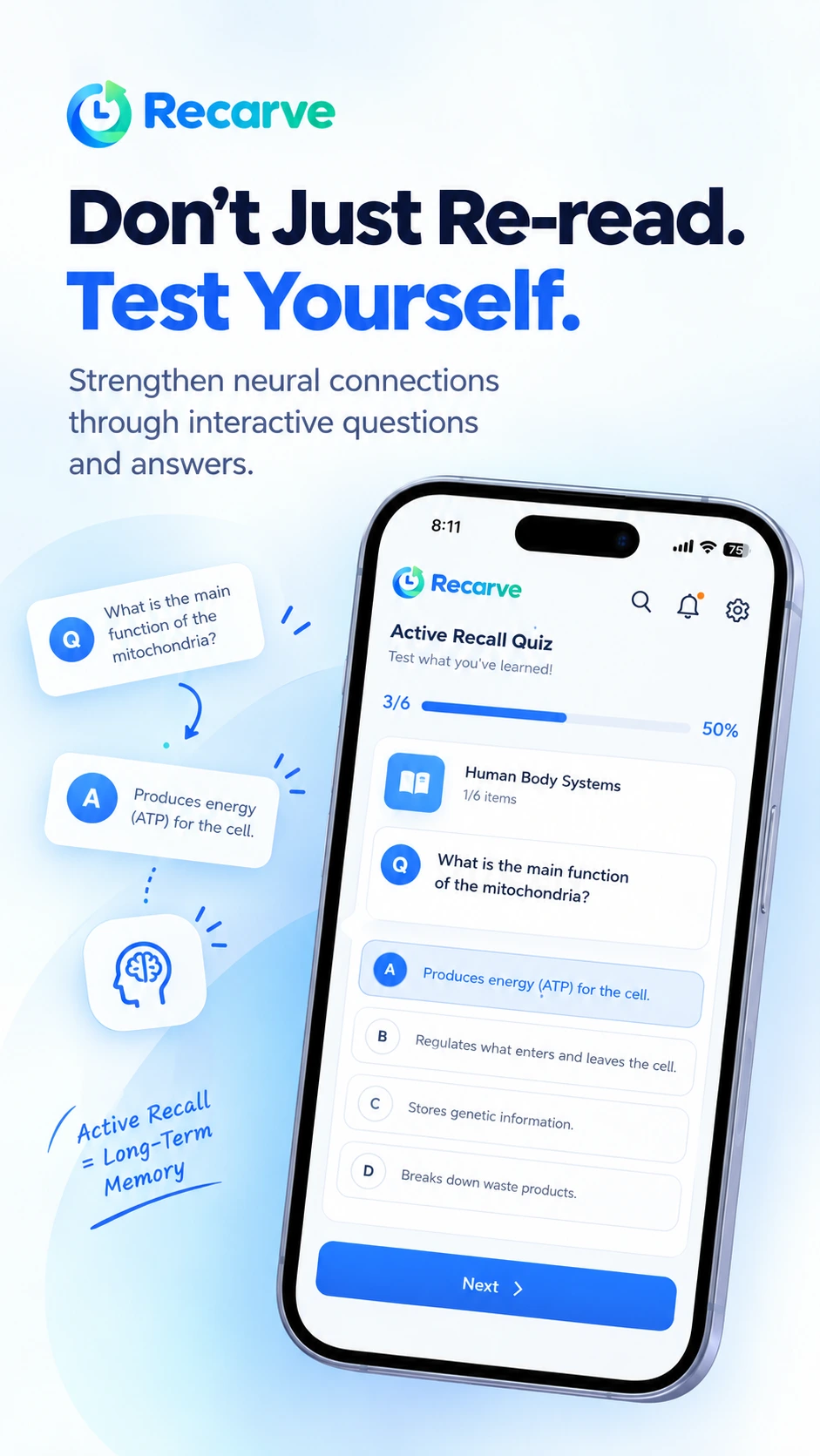
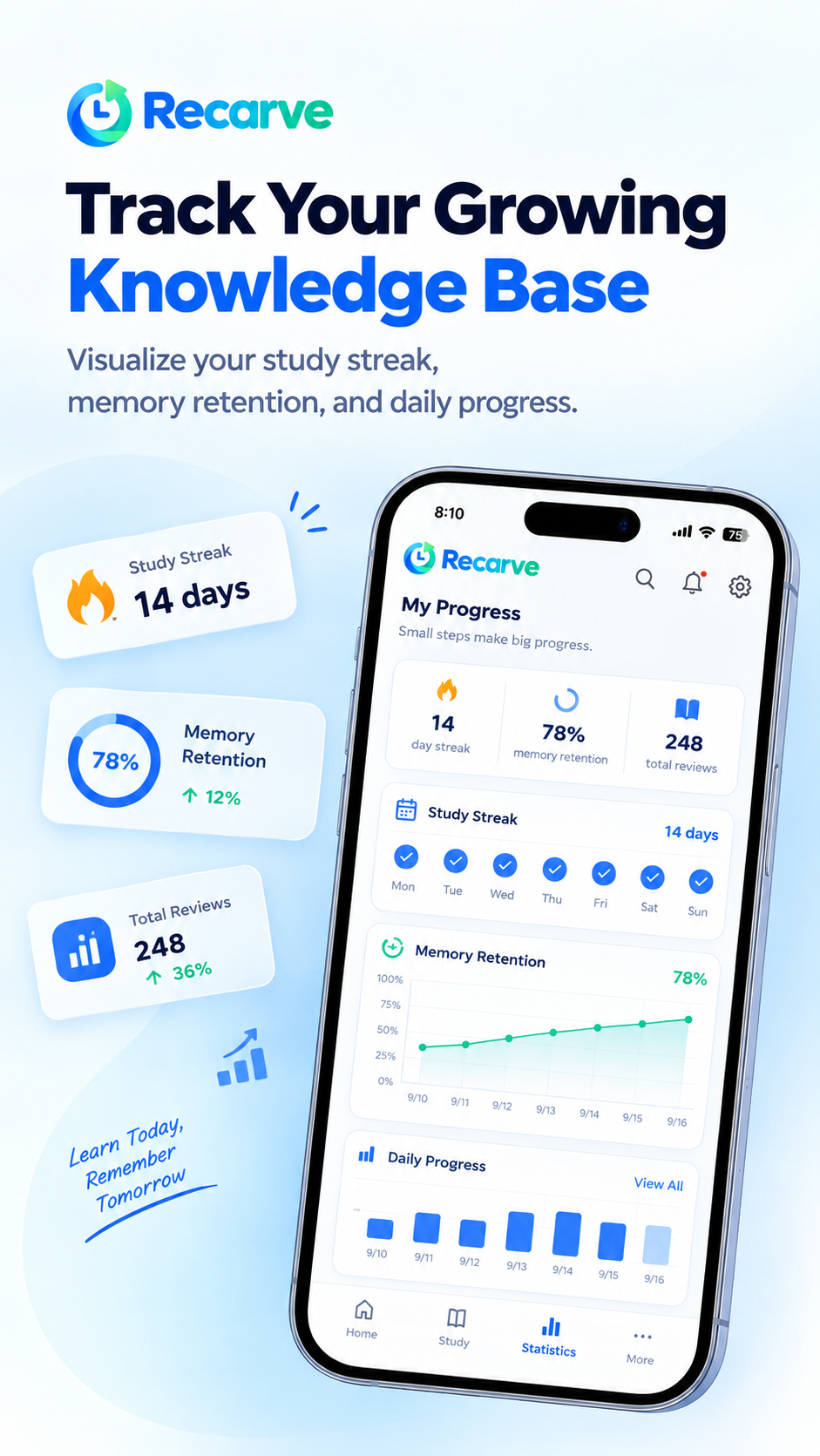
See the user guide for a screen-by-screen walkthrough.
Review templates
| Template | Review intervals | Reviews | Best for |
|---|---|---|---|
| Quick Memorize | 10 min → 30 min → 1 hr → 3 hr → 8 hr → 24 hr | 6 | Same-day cramming, last-minute exam prep |
| Long-Term Memory | 10 min → 30 min → 2 hr → 1 day → 3 days → 7 days → 14 days → 30 days | 8 | Vocabulary and terms you want to keep for good |
| Concept & Theory | 1 hr → 1 day → 4 days → 10 days → 25 days | 5 | Concept explanations, academic theory |
| Formula & Problem Solving | 30 min → 3 hr → 1 day → 2 days → 5 days → 14 days | 6 | Equations, problem-solving procedures |
Who it's for
- Learners preparing for certifications, languages, or exams who keep forgetting what they studied
- Anyone who finds it a hassle to plan review schedules by hand
- People who want to snap a photo of a book or notes and turn it into review cards
Frequently asked questions
What is Recarve?
Recarve is a spaced repetition app based on the Ebbinghaus forgetting curve. Add what you study as cards, get review reminders at set intervals, and let AI create summaries and review questions from photos, PDFs, and text.
What is spaced repetition?
Spaced repetition is a study method that increases the interval between reviews so you revisit material just before you would forget it. The Ebbinghaus forgetting curve shows that memory fades quickly over time, but repeating at the right moments helps it last.
How are review intervals decided?
You choose one of four built-in templates — Quick Memorize, Long-Term Memory, Concept & Theory, or Formula & Problem Solving. For example, the Long-Term Memory template sends 8 reminders at 10 min, 30 min, 2 hr, 1 day, 3 days, 7 days, 14 days, and 30 days.
Can I create cards from photos or PDFs?
Yes. AI can analyze photos, PDFs, and text to create a summary and review questions automatically, or you can type a card manually. AI analysis uses credits; even without credits you can keep creating manual cards and reviewing.
Are my photos and text stored on a server?
No. Images and text sent for AI analysis are used only temporarily for processing and are not stored afterward. The study cards themselves are stored only on your device.
Will I get reminders at night?
If you set Quiet Hours, any reminder due during that period is automatically pushed to right after it ends.